
Black Friday 2026 falls on Friday, November 27, with Cyber Monday on November 30. If you are reading this in early October, you have roughly eight weeks. That is enough time to fix the things that actually lose sales, but only if you start now and stop adding new features about a week before the sale.
This checklist has 25 items, grouped by area, in roughly the order we would tackle them. Not every item will apply to your store. Work through the ones that do, and skip the rest without guilt.
Give each item an owner and a date. Anything you cannot finish by about November 20 should wait until after the sale. New apps, theme changes and big redesigns close to the event are a common way to break a store at the worst moment. Our guide to what breaks on BFCM covers the usual culprits.
The offer and the numbers (1 to 4)
- Decide your offer and your margin floor. Know the lowest price you can sell at and still make a profit after product cost, shipping, fees and ads. Our net profit calculator helps. For ideas that protect margin, see our guide to Black Friday discount ideas.
- Work out your break-even ROAS. If you run ads, the number to beat is set by your margin, not by a rule of thumb. Use the break-even ROAS calculator with sale-price margins, not your normal ones.
- Schedule your discounts. In Shopify you can set start and end dates and times on a discount, and they follow the time zone shown in your admin. Set them up in advance and check the time zone matches the one you are advertising.
- Test how discounts combine. Shopify lets product, order and shipping discounts combine on one order when you allow it. Place test orders to make sure a customer cannot stack offers in a way that wipes out your margin.
Speed and stability (5 to 9)
- Check speed on three pages. Test your home page, a collection page and a product page on mobile. See how to speed up your store before Black Friday.
- Remove apps and scripts you do not use. Old apps often leave code behind. Every extra script adds weight and a possible point of failure.
- Resize and compress images. Large hero banners are the most common cause of slow pages.
- Set a code freeze date. Pick a date, such as November 20, after which nothing changes on the live theme except emergency fixes. Update apps and your theme before it, not after.
- Fix broken links and 404 pages. Check your menus, banners and any links in old emails and ads. Sending paid traffic to a missing page is an expensive mistake.
Product pages and mobile (10 to 14)
- Make price, shipping and returns clear. A shopper should not have to hunt for these. Work through our product page checklist.
- Check variants and stock. Make sure sold-out variants are marked clearly and that inventory counts are right, especially for items from suppliers.
- Refresh product titles and images for gift buyers. Gift shoppers want to know who a product suits and how it arrives.
- Walk through the whole journey on a phone. From ad click to order confirmation, on a real phone. See our guide to mobile checkout.
- Check search, collections and filters. Create a clear sale collection and make sure sorting and filters work.
Checkout, payments and tracking (15 to 19)
- Place a full test order. Use a discount code, test each payment method you offer and check the confirmation email.
- Turn on fast payment options. If Shopify offers accelerated checkouts such as Shop Pay, Apple Pay or Google Pay in your region, enable them. Fewer typed fields means fewer abandoned carts on phones.
- Check your payment provider. Look at transaction limits and how fraud review works, so a large day does not leave good orders on hold without you noticing.
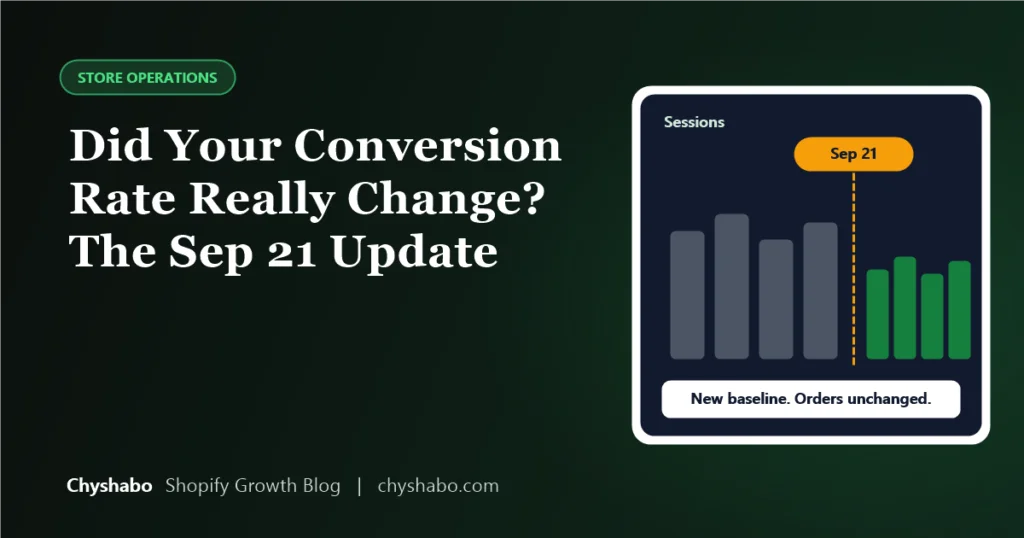
- Confirm your tracking. Check that purchase events fire once, with the right value, in your analytics and ad platforms. Remember that Shopify changed how it counts sessions this autumn, as we explain in our guide to the September 21 sessions update.
- Test email and SMS flows. Abandoned cart, order confirmation and shipping notification messages should all work and show the right details.
Shipping, stock and support (20 to 23)
- Publish your shipping cutoff dates. Work them out from your carrier and your supplier. Our guide to 2026 holiday shipping cutoffs shows how.
- Confirm stock and supplier capacity. Ask suppliers about lead times and their own holiday closures before you promise anything to customers.
- Update your policies. If your holiday returns, refunds or delivery windows differ from normal, say so in your policy pages and at checkout.
- Prepare support. Set an auto-reply, write short answers to the questions you expect, and decide who replies and how fast.
Marketing and the big day (24 and 25)
- Check your ads and landing pages. Creative should be ready, budgets decided, and each ad should land on a page that matches the offer. See what a good ROAS looks like.
- Plan how you will watch the store. Decide who checks orders, checkout and site speed each hour on the day, and what you will do if something breaks.
If you only have time for five
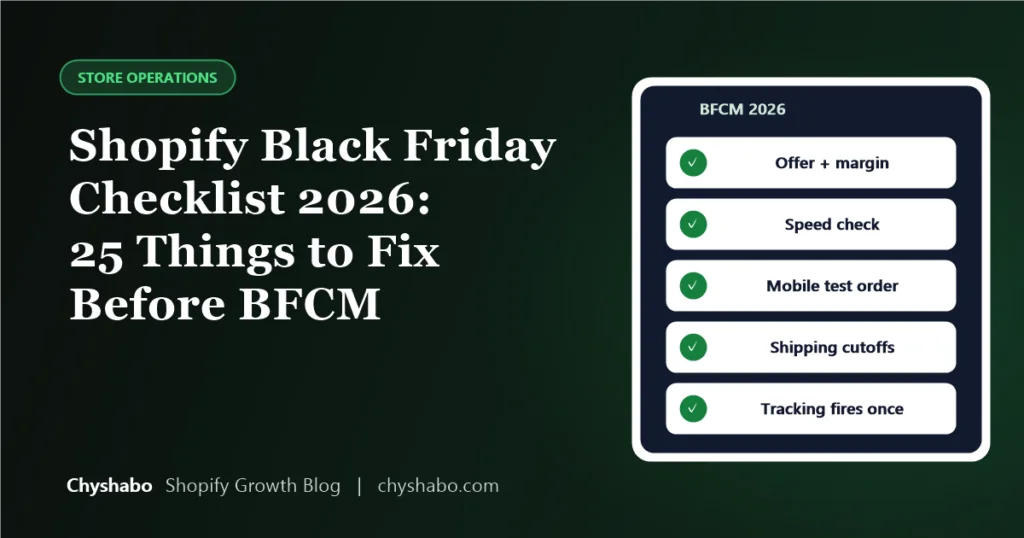
If the list feels like too much, do these: a full test order on a phone, a speed check on three pages, a code freeze date, shipping cutoffs published, and break-even ROAS worked out before ads go live. They cover the failures that cost the most.
Final thoughts
Black Friday rewards stores that are ready, not stores that are clever. Most of the damage on the day comes from small, preventable things. Work through the list, test like a customer, and keep your changes boring.
If you would like an experienced second opinion before the sale, our store and funnel audit checks your store for these problems and gives you a prioritised list. You can also book a free call to talk it through.